The Mixamo alternative for animals, creatures and other non-humanoid models
Mixamo only rigs two-legged humanoids. afk.ai rigs dogs, horses, dragons, birds, spiders, snakes, fish and dinosaurs, and people too. An AI places the skeleton, you preview the animations on your model, and you download a GLB. Free, in your browser.
Why Mixamo can't rig your creature
Mixamo's Auto-Rigger fits one skeleton: a person. It asks you to drop markers on the chin, wrists, elbows, knees and groin, then bends a humanoid skeleton to match. A dog has no wrists to mark, a snake has no knees, and a dragon's wings have no place in a human skeleton at all.
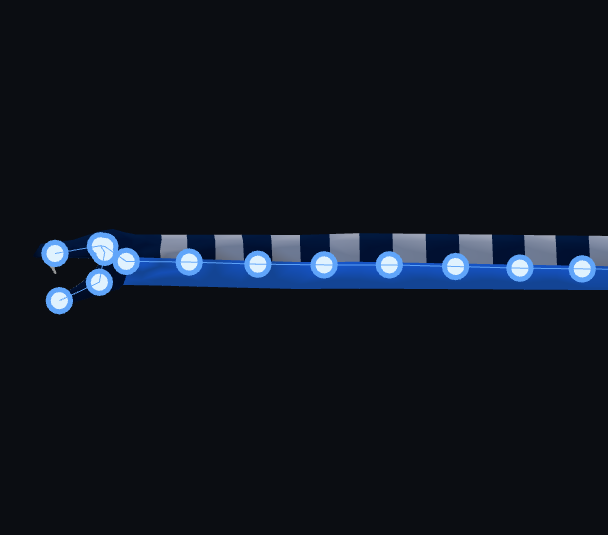
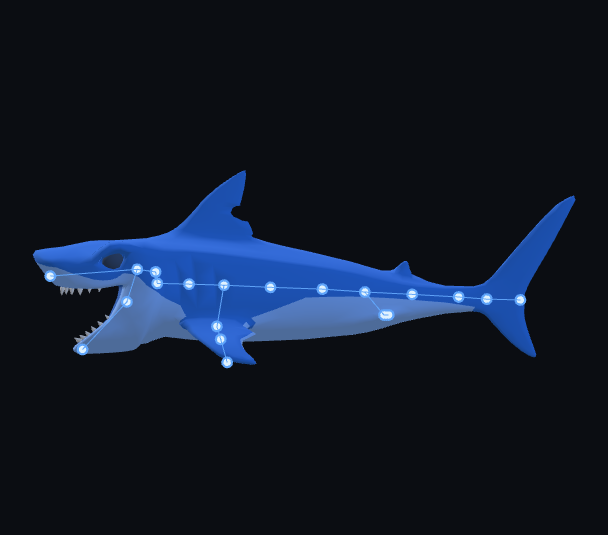
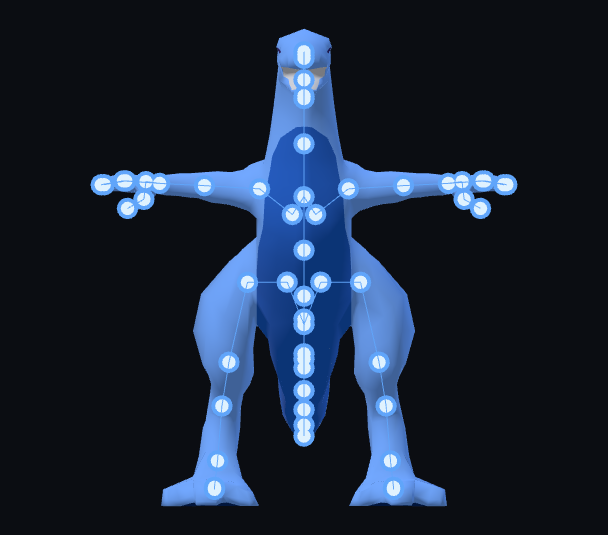
afk.ai starts from the other end. An AI reads your mesh and finds its body parts, whatever they are, then afk.ai fits the skeleton for that kind of body: four legs and a tail, two wings and a beak, eight legs and fangs, or one long spine. Every skeleton comes with its own animations, made for that body.
Mixamo vs afk.ai
| Mixamo | afk.ai | |
|---|---|---|
| Body types | Two-legged humanoids only | Humans, four-legged animals, hoofed animals, birds, dragons, dinosaurs, spiders and insects, snakes, fish |
| Placing the skeleton | You mark the chin, wrists, elbows, knees and groin | An AI finds the body parts; you pick the body type |
| Animations | A large humanoid motion-capture library | 178 for humans, plus 4 to 13 per creature |
| Upload | FBX, OBJ or a zipped OBJ | GLB, self-contained glTF or FBX |
| Download | FBX or Collada (DAE) | GLB with the skeleton, skin weights and every animation |
| Price | Free with an Adobe account | Free with a Google sign-in |
| Where it runs | Adobe's servers | Your browser, on your graphics card (or afk.ai's cloud rigger) |
What afk.ai can rig
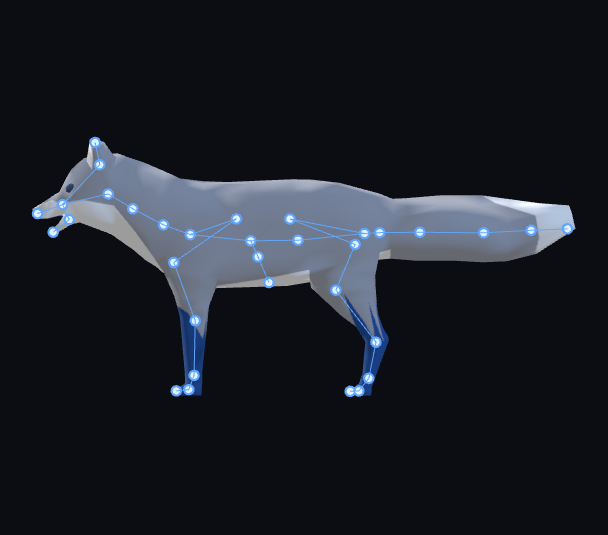
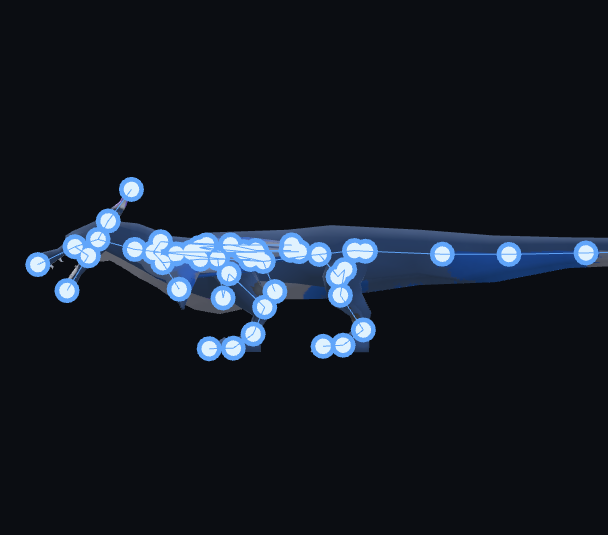
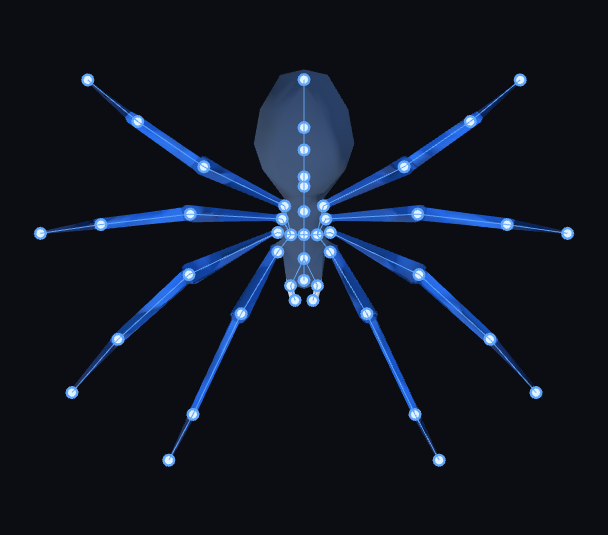
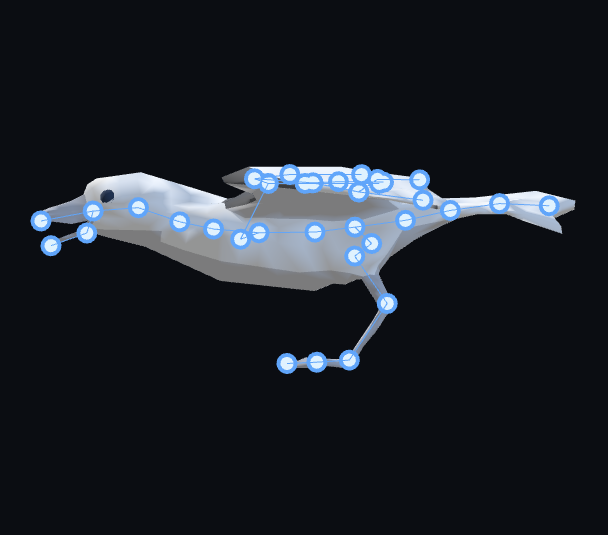
When Mixamo is still the right pick
If every character in your game is a humanoid and you want the biggest motion-capture library you can get, Mixamo is hard to beat, and it's free. Use afk.ai for everything Mixamo turns away: your animals, monsters and creatures, or when you want GLB files that drop straight into Godot, Unreal or a web game.
Switching from Mixamo
- Export your model as GLB or FBX. The same file you'd have uploaded to Mixamo works.
- Open afk.ai/rig, sign in with Google and drop it in.
- Tell it what the model is (four-legged, hoofed, bird, dragon, and so on) while the AI works.
- Preview the animations on your model, then download the rigged GLB.
- In Unity, import creatures as a Generic rig, not Humanoid: Mixamo-style humanoid retargeting doesn't apply to them.
Questions
›Can Mixamo rig animals or creatures?
No. Mixamo's Auto-Rigger is built around a humanoid skeleton: you place markers on the chin, wrists, elbows, knees and groin, so a dog, a horse, a dragon or a spider has nowhere to put them.
›Is afk.ai free like Mixamo?
Yes. Rigging, the animations and the GLB export are free. You sign in with Google, and the site is supported by ads.
›Can I use afk.ai for humanoid characters too?
Yes. It has a human skeleton with fingers and 178 animations, so you can rig your people and your creatures in one place.
›Does it work in Unity, Unreal and Godot?
Yes. The download is a standard rigged GLB. Unreal (5.1 and later) and Godot import it directly, Unity imports it with the glTFast package, and Blender can turn it into an FBX if your pipeline needs one.
›Can I use the animations in a commercial game?
Yes. The animations are CC0 (public domain), and your model stays yours.