GuidesComparison6 min read
The best 3D animation software in 2026
Ten tools compared on what they're best at, what a year costs and what they run on, from free Blender to studio-standard Maya.
What a year costs
- BlenderfreeFree
- Unreal Enginefree for films and cinematics under $1M revenueFree
- CascadeurIndie, a year$96
- iClone 8iClone 365, a year$199
- HoudiniIndie, a year$299
- MayaMaya Indie, a year$330
- Cinema 4Da year$839
- Mayafull license, a year$2,010
- MotionBuildera year$2,300
There's no single best 3D animation program, only the best one for what you're making. A studio animator, a motion designer and someone who needs their game character to walk by Friday want very different things. Here's what each of the main tools is good at, what it costs, and who it's for. Prices are as listed on 7 November 2026.
The quick answer
| If you want | Pick |
|---|---|
| Everything, for free | Blender |
| The studio standard for character animation | Maya |
| Motion graphics and product animation | Cinema 4D |
| Effects, simulation and procedural work | Houdini |
| Good character animation without years of practice | Cascadeur |
| Real-time cinematics and MetaHumans | Unreal Engine |
| Fast characters with motion capture, on Windows | iClone |
| Cleaning up and retargeting motion capture | MotionBuilder |
| Free mocap animations on a humanoid | Mixamo |
| Your own model rigged and animated in minutes | afk.ai |
1. Blender
The free, open-source package that does all of it: modeling, rigging, animation, simulation and rendering. Version 5.2 LTS (July 2026) is the current long-term release, supported until 2028. It's what most indie developers and a growing number of studios use.
- Best for
- Anyone who wants one free tool for the whole job.
- Price
- Free.
- Runs on
- Windows, Mac, Linux.
- Watch out
- The interface is dense and the learning curve is real. Rigging a character by hand takes practice.
2. Autodesk Maya
The industry standard for character animation in film, TV and AAA games. Its animation tools (the Graph Editor, Time Editor, rigging) are what most studio pipelines are built around, and its MotionMaker tool adds AI-assisted motion. The current version is 2027.
- Best for
- Working, or aiming to work, in a studio.
- Price
- $2,010 a year, or $330 a year for Maya Indie if you earn under $100,000.
- Runs on
- Windows, Mac, Linux.
- Watch out
- The price, and it's a big program to learn.
3. Cinema 4D
Maxon's motion graphics tool: logos, product shots, abstract animation and anything a broadcast designer makes. Its MoGraph tools are the reason to buy it. Version 2027 came out in October 2026.
- Best for
- Motion designers.
- Price
- $839 a year, rental only.
- Runs on
- Windows, Mac.
- Watch out
- Character animation isn't its strength.
4. Houdini
SideFX's procedural powerhouse: destruction, fluids, crowds and anything built from rules rather than by hand. Version 22 also improved its KineFX character tools.
- Best for
- Effects artists and technical artists.
- Price
- Apprentice is free (watermarked, for learning); Indie is $299 a year under $100,000 revenue.
- Runs on
- Windows, Mac, Linux.
- Watch out
- The steepest learning curve on this list.
5. Cascadeur
Character animation with physics help. You pose a few key points and AutoPosing fills in the rest; its physics tools make jumps and falls believable. Version 2026.2 added animation layers.
- Best for
- Game animators and beginners who want convincing keyframe animation.
- Price
- Free for non-commercial use (no FBX export); Indie $96 a year; Pro $396 a year. Paid plans become yours to keep after a year.
- Runs on
- Windows, Mac, Linux.
- Watch out
- It only animates. You bring a rigged character.
6. Unreal Engine
A game engine that's also a real-time film studio. Sequencer, Control Rig and MetaHumans make it a serious tool for cinematics, and 5.8 (June 2026) added more animation tools to Sequencer.
- Best for
- Real-time cinematics, virtual production, MetaHumans.
- Price
- Free for films and cinematics under $1 million in revenue.
- Runs on
- Windows, Mac, Linux.
- Watch out
- It needs a strong computer, and it's a game engine first.
7. iClone 8
Reallusion's fast character animation tool, built around motion capture, lip sync and a big motion library. Since June 2026 there's a free iClone Personal with the full tools and 30 exports.
- Best for
- Quick character animation and mocap on Windows.
- Price
- IClone Personal free; iClone 365 $199 a year; $599 to own.
- Runs on
- Windows only.
- Watch out
- Many of the extras you'll want are paid.
8. MotionBuilder
Autodesk's tool for motion capture: recording it, cleaning it and retargeting it onto characters. It's what mocap studios use.
- Best for
- Motion capture work.
- Price
- $2,300 a year.
- Runs on
- Windows, Linux.
- Watch out
- Niche and expensive. Most people never need it.
9. Mixamo
Adobe's free website that rigs a humanoid character and puts thousands of motion-captured animations on it. Not a full animation package, but often the fastest way to get a human moving. Our Mixamo guide walks through it.
- Best for
- Free humanoid animations in a hurry.
- Price
- Free with an Adobe ID.
- Runs on
- Your browser.
- Watch out
- Humanoids only, FBX and Collada out, and no API.
10. afk.ai
Our own, so judge accordingly. afk.ai isn't an animation suite either: there's no timeline and no modeling. It does one job, quickly. You drop in a model, an AI rigs it, and hundreds of animations made for its skeleton play on it, which you can adjust with sliders and download as one GLB. Unlike Mixamo, it rigs animals, dragons, dinosaurs, spiders, fish and props as well as people.
- Best for: getting your own character moving in minutes, especially creatures.
- Price: free to try; the Pro plan, by the month, downloads every animation.
- Runs on: your browser, an Android app, and an API for developers.
- Watch out: you choose and adjust animations rather than keyframing your own.
AI tools worth knowing
A few newer tools do one part of the job with AI. Autodesk Flow Studio (formerly Wonder Studio) puts a CG character into live-action video. Meshy makes a 3D model from text or a picture, and can rig it. Rokoko Vision, Move One and DeepMotion turn a video of you into motion capture. All have free tiers, and all pair well with the tools above.
How to choose
- Making a game?
- Blender for modeling and rigging, Cascadeur or Mixamo for animation, or afk.ai to rig and animate in one go. Unity, Unreal and Godot all take the results.
- Making a short film?
- Blender, or Maya if you're heading for a studio. Unreal if you want it rendered in real time.
- Motion graphics?
- Cinema 4D, or Blender with geometry nodes.
- Effects?
- Houdini.
- Just need a character to move?
- Afk.ai or Mixamo, then into your engine.
Questions
What is the best free 3D animation software?
Blender. It's free for everything, including commercial work, and does modeling, rigging, animation and rendering. For animation alone, Cascadeur's free version and iClone Personal are good too, with limits on exporting.
What 3D animation software do professionals use?
Maya is the standard for character animation in film and games, Houdini for effects, Cinema 4D for motion graphics, and MotionBuilder for motion capture. Blender and Unreal Engine are increasingly used in studios too.
What is the easiest 3D animation software for beginners?
For animating a character you already have, Mixamo (humans) and afk.ai (humans and creatures) need no animation skills at all. To learn animation properly, Cascadeur is the most forgiving.
Which 3D animation software runs on a Mac?
Blender, Maya, Cinema 4D, Houdini, Cascadeur and Unreal Engine all run on a Mac, as do browser tools like Mixamo and afk.ai. iClone and MotionBuilder don't.
Is there 3D animation software for the iPad?
A few apps, but no full package: Blender for iPad is on hold. See the best iPad animation apps.
Rig and animate your model
An AI rigs it in your browser, then hundreds of animations play on it. Download one GLB for any engine.
More guides
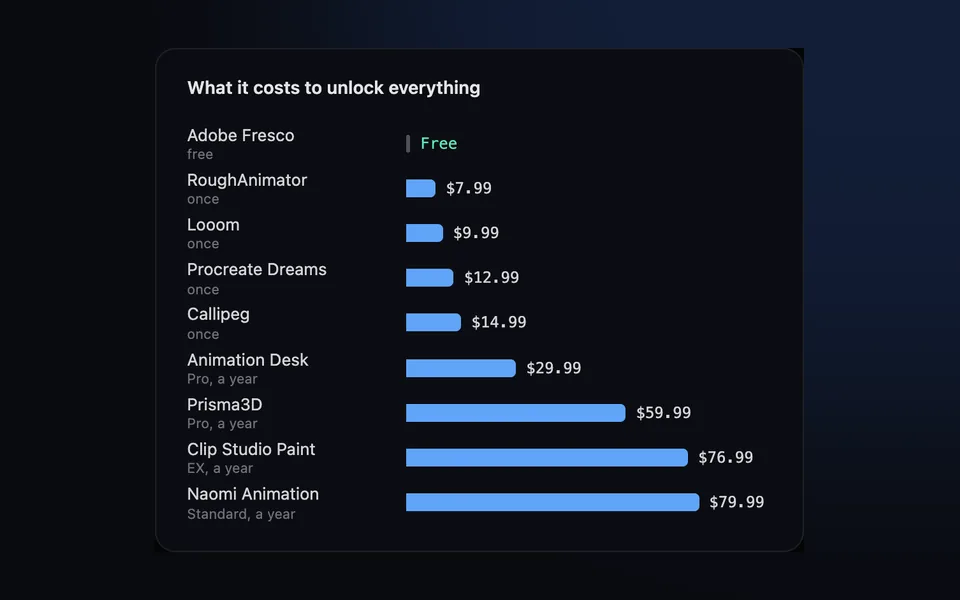
Comparison
The best iPad animation apps in 2026 (2D and 3D)
The 2D and 3D animation apps worth installing, what each costs and exports, and which to get for what you want to make.
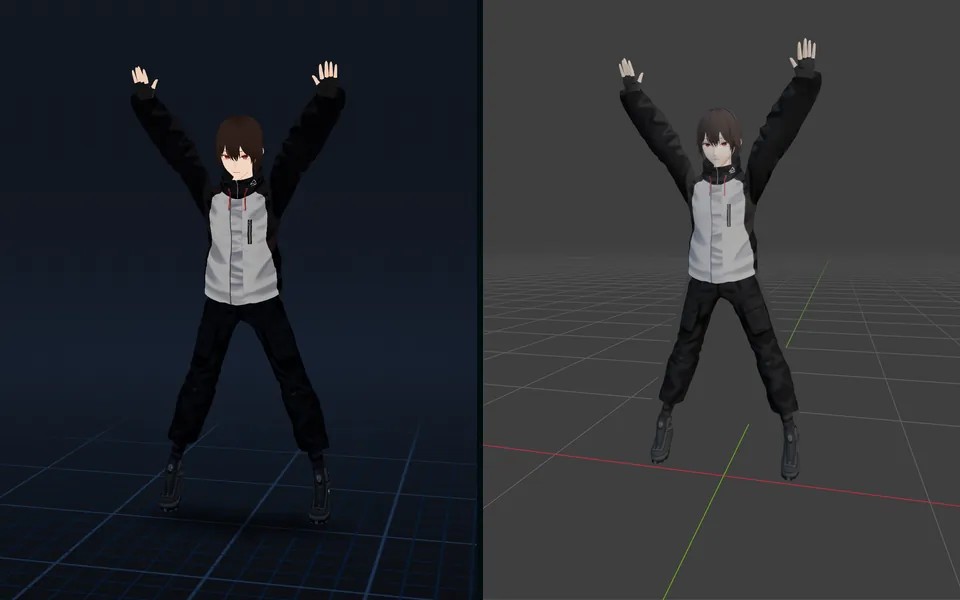
How-to
VRM to FBX, GLB to FBX and back: a 3D converter that keeps the animations
Any 3D model to GLB, FBX, USDZ, OBJ or STL in your browser, with its skeleton, skin weights, every keyframe and its face shapes kept.
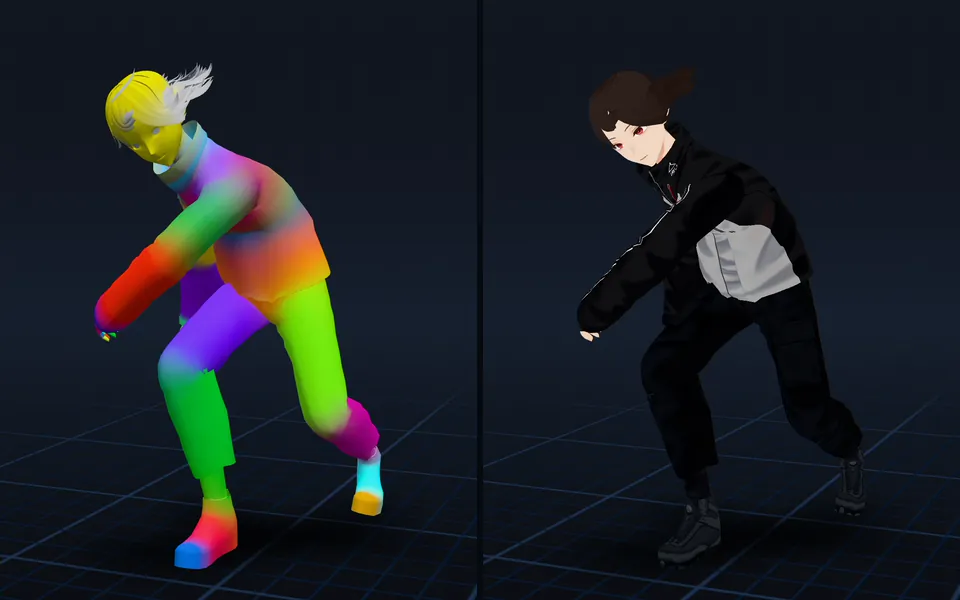
Guide
Animation retargeting: add animations to a model that's already rigged
Add animations to a rigged model while keeping its skeleton, skin weights, physics, and existing animations.