GuidesComparison4 min read
The best iPad animation apps in 2026 (2D and 3D)
The 2D and 3D animation apps worth installing, what each costs and exports, and which to get for what you want to make.
What it costs to unlock everything
- Adobe FrescofreeFree
- RoughAnimatoronce$7.99
- Looomonce$9.99
- Procreate Dreamsonce$12.99
- Callipegonce$14.99
- Animation DeskPro, a year$29.99
- Prisma3DPro, a year$59.99
- Clip Studio PaintEX, a year$76.99
- Naomi AnimationStandard, a year$79.99
The iPad is one of the best animation tools you can buy for 2D: an Apple Pencil on glass is as close to paper as screens get. 3D is a different story, with a few capable apps and no full package yet. Here's what's worth installing, with US App Store prices as of 7 November 2026.
The quick answer
| If you want | Get |
|---|---|
| The most polished 2D app | Procreate Dreams |
| Professional hand-drawn animation | Callipeg |
| To start free | FlipaClip or Adobe Fresco |
| Rough, fast frame-by-frame for studio work | RoughAnimator |
| Comics and animation in one | Clip Studio Paint |
| 3D characters ready to animate | Naomi Animation |
| To model, rig and keyframe in 3D | Prisma3D |
2D animation apps
Drawn animation, frame by frame, with the Apple Pencil. These are the ones worth paying for, and the best free ones.
Procreate Dreams
From the makers of Procreate, built for iPad only. You draw frame by frame or record motion by moving things with your finger (Performing), on a timeline that feels more like video editing than old animation software. Exports video, transparent video, PNG sequences and GIF.
- Price
- $12.99, once.
- Best for
- Most people. It's the one to try first.
- Watch out
- No bone rigging, and it's iPad only, so there's no desktop version to move to.
Callipeg
A professional hand-drawn animation app, with exports that slot into studio pipelines (OCA, XDTS and PSD as well as video and GIF). One price, no subscription since 2024.
- Price
- $14.99, once.
- Best for
- Animators who want the tools of desktop 2D software on an iPad.
FlipaClip
The friendly one, with a huge young community. Simple layers, onion skin, and sound, all free with ads and a watermark.
- Price
- Free; FlipaClip Plus removes the limits.
- Best for
- Beginners and short animations for social media.
- Watch out
- Three layers on the free version.
RoughAnimator
Small, fast and practical. Projects open in Adobe Animate, After Effects and Toon Boom Harmony, so it's a favorite for roughs that get finished on a computer.
- Price
- $7.99, once.
Clip Studio Paint
The comic artist's tool, with full frame-by-frame animation in the EX plan. The cheaper PRO plan caps animations at 24 frames.
- Price
- EX $76.99 a year; PRO $26.99 a year.
- Best for
- Illustrators and comic artists who also animate.
Adobe Fresco
Free, with simple frame-by-frame animation and motion paths, and since July 2026 an export to Premiere.
- Price
- Free.
- Best for
- Quick animated sketches, especially if you already use Adobe apps.
- Watch out
- The animation tools are light.
Also worth a look
Animation Desk (free, Pro $29.99 a year) and Looom ($9.99), a lovely looping-animation toy that hasn't been updated since 2023.
3D animation apps
Fewer apps, and no full 3D package yet. These three cover characters, building your own, and sculpting.
Naomi Animation
The most approachable 3D option: ready-rigged 3D characters you pose with the Pencil on a keyframe timeline, plus text-to-3D. It exports video, FBX and GLB, so your animation can leave the iPad.
- Price
- Free; Standard $79.99 a year, plus credits.
- Best for
- 3D character animation without modeling anything.
Prisma3D
A full 3D app on the iPad: modeling, rigging, skinning and keyframe animation. It imports glTF, FBX and OBJ and exports OBJ and glTF.
- Price
- Free; Pro $59.99 a year.
- Best for
- People who want to build and animate their own 3D on the iPad.
- Watch out
- App Store reviews report crashes and rigging bugs, so save often.
Nomad Sculpt
Not an animation app, but the best way to make a 3D character on an iPad. Sculpt it here, export GLB, FBX or OBJ, and rig and animate it elsewhere.
- Price
- $19.99, once.
What about Blender?
Blender for iPad was announced, then put on hold in early 2026 while the team builds a version for Android tablets first. There's no date for the iPad.
3D characters without a 3D app
If what you want is your own 3D character moving, not drawing every frame, there are two routes that skip the 3D software altogether. Sculpt or download a model, then rig and animate it with afk.ai/rig in a browser on a computer, which plays hundreds of animations on it in about a minute. Or, on an Android phone or tablet, AFK AI puts more than 120 ready-made characters on a stage to animate and film. Neither has an iPad app yet.
Questions
What is the best animation app for iPad?
For 2D, Procreate Dreams for most people and Callipeg for professional hand-drawn work. For 3D, Naomi Animation if you want ready-made characters, and Prisma3D if you want to model and rig your own.
What is the best free animation app for iPad?
FlipaClip and Adobe Fresco are free for 2D. For 3D, Naomi Animation and Prisma3D have free versions with limits.
Can you do 3D animation on an iPad?
Yes, with Naomi Animation (pre-rigged characters) or Prisma3D (model, rig and animate). Nomad Sculpt is the best iPad app for making a 3D character, though it doesn't animate. There's no iPad version of Blender yet.
Is Procreate Dreams worth it?
At $12.99 once, with no subscription, it's the best value in 2D animation on the iPad. It has no bone rigging, so for puppet-style animation look elsewhere.
Do I need an Apple Pencil to animate on an iPad?
For drawn animation, yes, in practice. In 3D it matters less: Prisma3D is built for touch.
Rig and animate your model
An AI rigs it in your browser, then hundreds of animations play on it. Download one GLB for any engine.
More guides
Comparison
The best 3D animation software in 2026
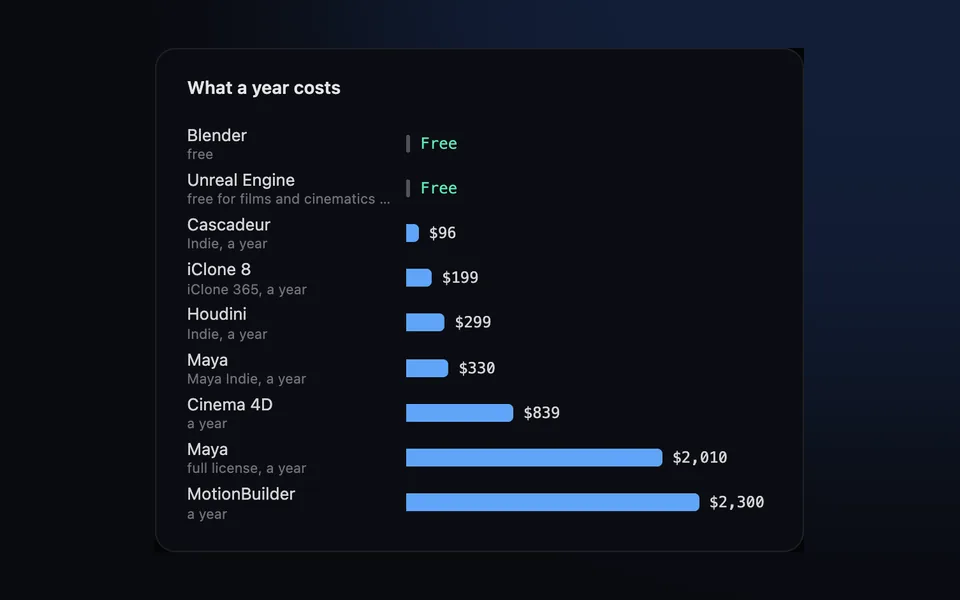
Ten tools compared on what they're best at, what a year costs and what they run on, from free Blender to studio-standard Maya.
How-to
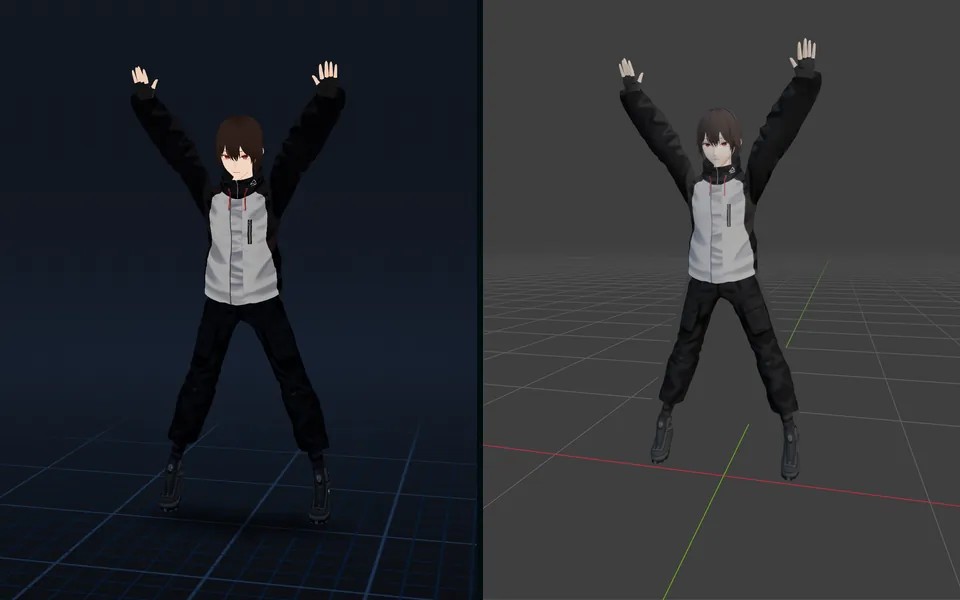
VRM to FBX, GLB to FBX and back: a 3D converter that keeps the animations
Any 3D model to GLB, FBX, USDZ, OBJ or STL in your browser, with its skeleton, skin weights, every keyframe and its face shapes kept.
Guide
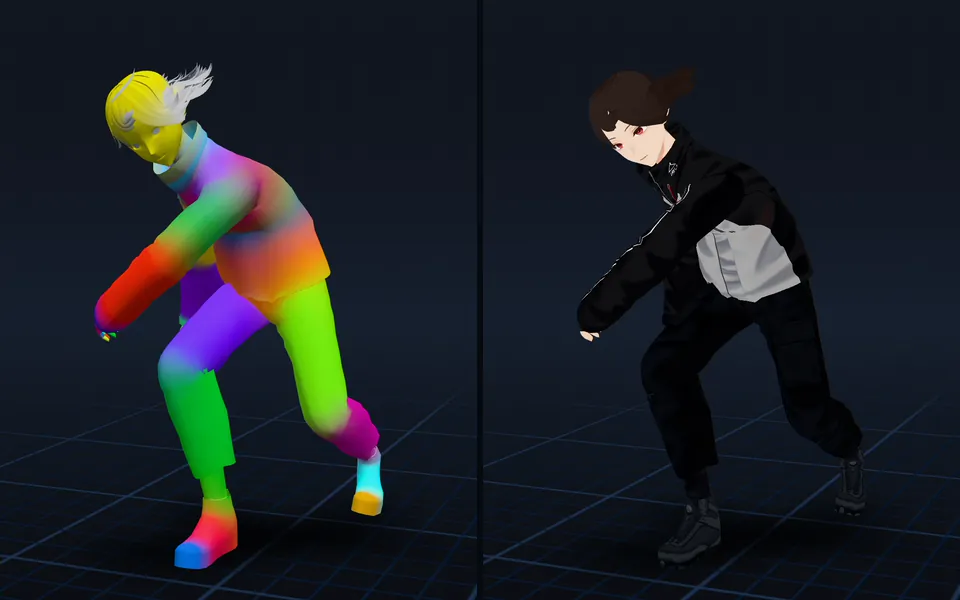
Animation retargeting: add animations to a model that's already rigged
Add animations to a rigged model while keeping its skeleton, skin weights, physics, and existing animations.