GuidesHow-to5 min read
VRM to FBX, GLB to FBX and back: A 3D converter that keeps the animations
Any 3D model to GLB, FBX, USDZ, OBJ or STL in your browser, with its skeleton, skin weights, every keyframe and its face shapes kept.
afk.ai/rig/convert turns a 3D model into another file format without losing what makes it move. Drop in a VRM and get an FBX that Unity reads as a rigged character with its face shapes. Drop in an animated FBX and get a GLB for the web. The skeleton, the skin weights and every keyframe of every animation come through as they were.
What it converts
It reads VRM 0 and 1.0, GLB, glTF (with its files, or in a ZIP), FBX, OBJ, STL, PLY, USD and USDZ, up to 150 MB. It writes five formats, and each one holds a different amount of a model. The page tells you which before you convert.
| Format | Keeps | Leaves out |
|---|---|---|
| GLB | Skeleton, weights, every animation, face shapes, materials and textures | Only a VRM's VRM-only extras |
| FBX | The same, each animation a take of its own | Only a VRM's VRM-only extras |
| USDZ | Skeleton, weights, face shapes and one animation | The other animations: a USDZ holds one timeline |
| OBJ | The mesh, its materials and textures, in a ZIP | Skeleton, animations and face shapes |
| STL | The shape, life size in millimetres | Everything else, colours and textures included |
How to convert a VRM to FBX for Unity
- Open afk.ai/rig/convert and sign in.
- Drop in your VRM. It plays in the preview as VRM apps show it: its hair swinging, its expressions there to try.
- Pick FBX. The page lists, for this model, what FBX keeps, what it changes and what it leaves out.
- Convert to FBX. It's made on our servers and downloads by itself. A VRoid avatar takes seconds; hundreds of animations take minutes.
- Import it into Unity. Drag the FBX into Assets. In its Rig tab, set Animation Type to Humanoid and Apply.
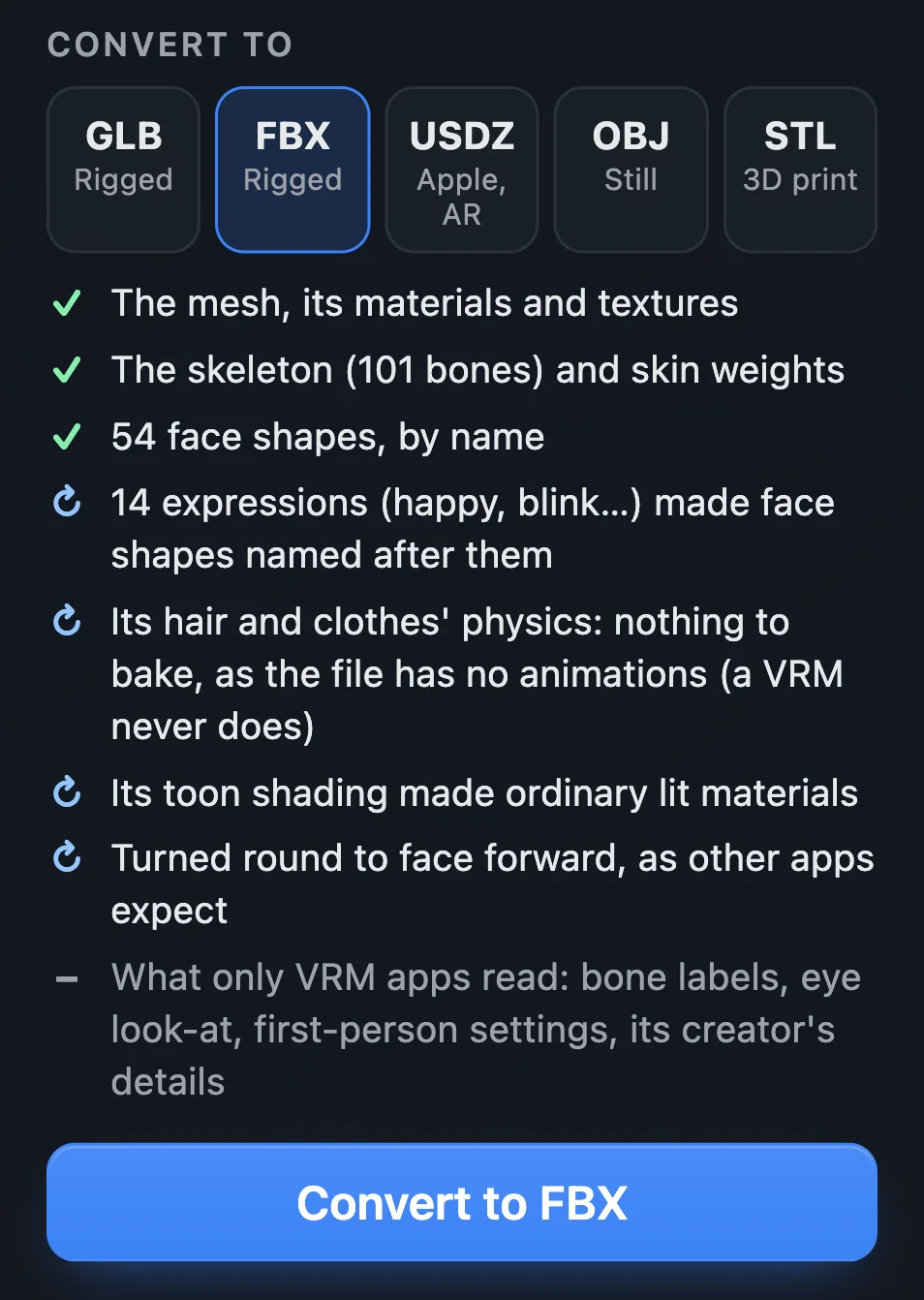
A VRM to FBX
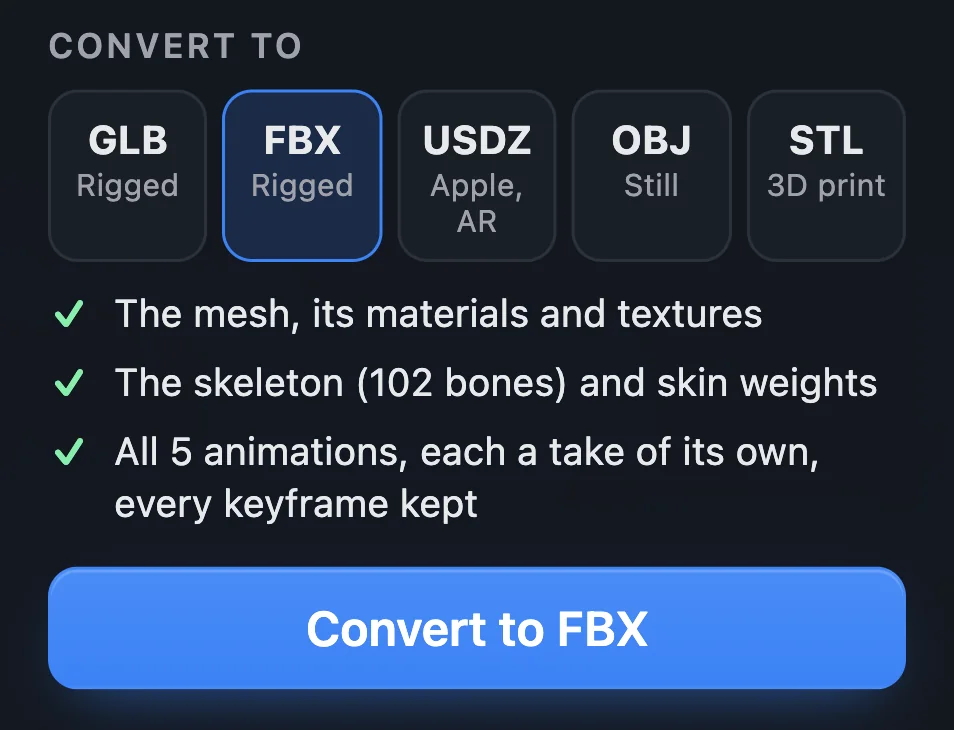
An animated GLB to FBX
What happens to a VRM
A VRM is a glTF with extras that only VRM apps read. The converter keeps everything another app can use, and turns the rest into something it can.
- Expressions: made face shapes (blend shapes) named after them, like Joy, Angry and Blink. Unity, Unreal, Blender and three.js can all drive them.
- Spring bones: the hair and clothes' swing is baked into the model's animations as keyframes, as a VRM app would play it. A VRM has no animations of its own, so give it some on afk.ai first.
- Toon shading: made ordinary lit materials, with the same textures. For a GLB, you can ask for flat, unlit ones instead.
- Facing: a VRM 0 faces backwards in most apps, so it's turned round to face forward.
- Left out: what only VRM apps read, like its bone labels, eye look-at, first-person settings and creator's details.
We converted VRoid Studio's AvatarSample_C. The 13.1 MB VRM became a 10.5 MB FBX with all 101 bones, 18,347 vertices, 14 materials and their textures, facing forward. Its 14 expressions came out as shape keys named Neutral, Joy, Angry, Sorrow, Fun, Surprised, Blink and the mouth shapes A, I, U, E and O, beside the 54 face shapes VRoid made.
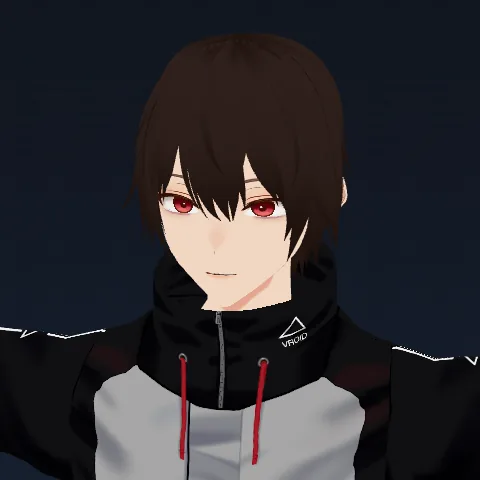 Neutral
 Joy
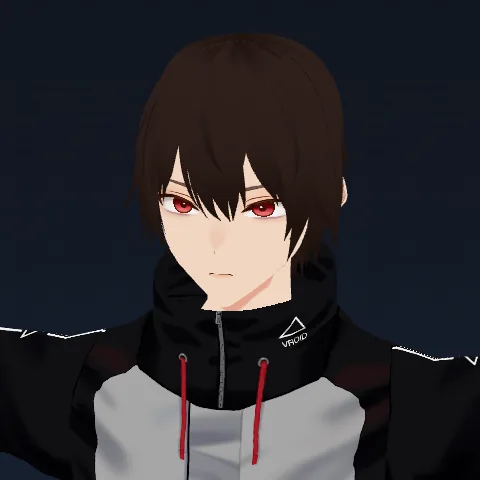 Angry
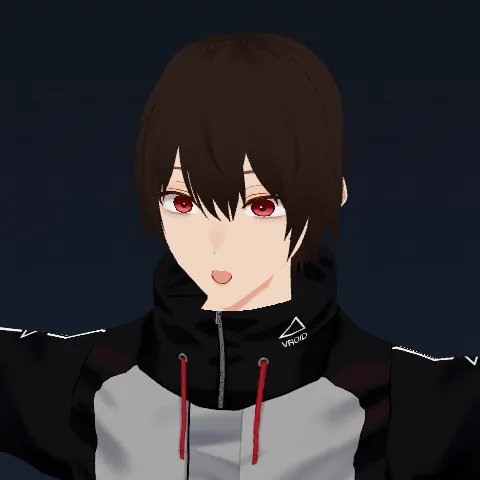 Surprised
The VRM, on afk.ai The FBX, in Blender
Every keyframe, frame for frame
Converters often resample animations, simplify their curves or start them a frame late. This one doesn't. Every keyframe of every animation lands where it was, each animation keeps its own face movement, and each starts at time zero, as it did in the original.
An FBX gets each animation as a take of its own, every frame of every bone written out, nothing simplified. We measured it by sampling every bone 240 times a second. A GLB made into an FBX, and that FBX made back into a GLB, each stayed within 0.002 mm and 0.05 degrees of the file before.
We tried it on the same avatar with five of afk.ai's animations: a 7.2 MB GLB became a 29.3 MB FBX in seconds. Each animation was a take of its own at 120 frames a second, a key on every frame, its hair and coat swing in every one.
That's the cost: an FBX is big. All 193 of afk.ai's free animations on one character make an FBX of about 230 MB, which takes a couple of minutes.
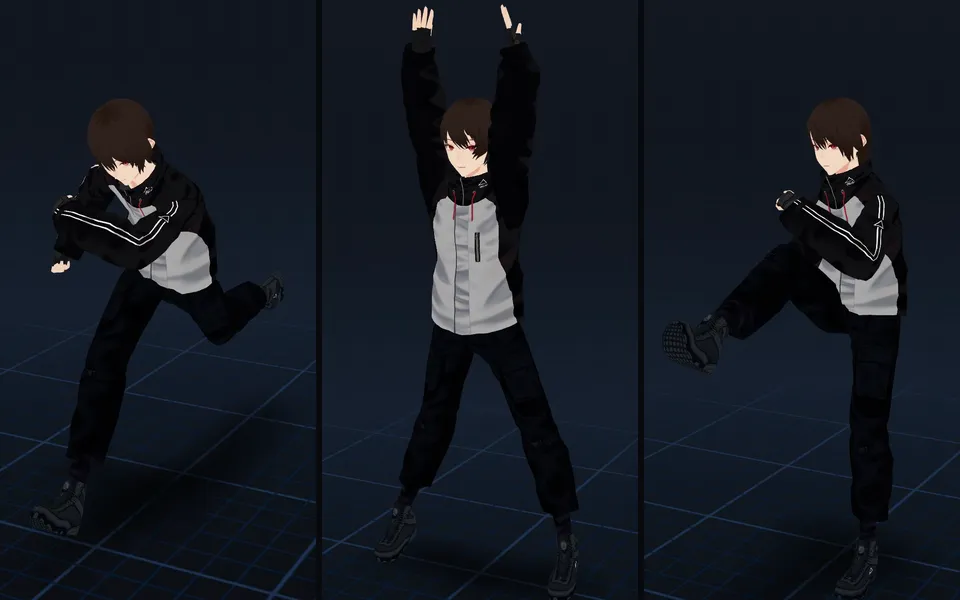
- Dance Groove
- Jumping Jacks
- Run Anime
In Blender, Unity, Unreal and Godot
- Blender: File, Import, FBX. Each take comes in as an action, and the face shapes as shape keys.
- Unity: set the Rig tab to Humanoid. Each take is an animation clip, and the face shapes are blend shapes on the Skinned Mesh Renderer.
- Unreal Engine: import as a Skeletal Mesh with Import Morph Targets and Import Animations on.
- Godot and three.js: a GLB loads as it is.
- Apple devices: a USDZ opens in Quick Look and Reality Composer.
- 3D printing: an STL, life size in millimetres, or an OBJ.
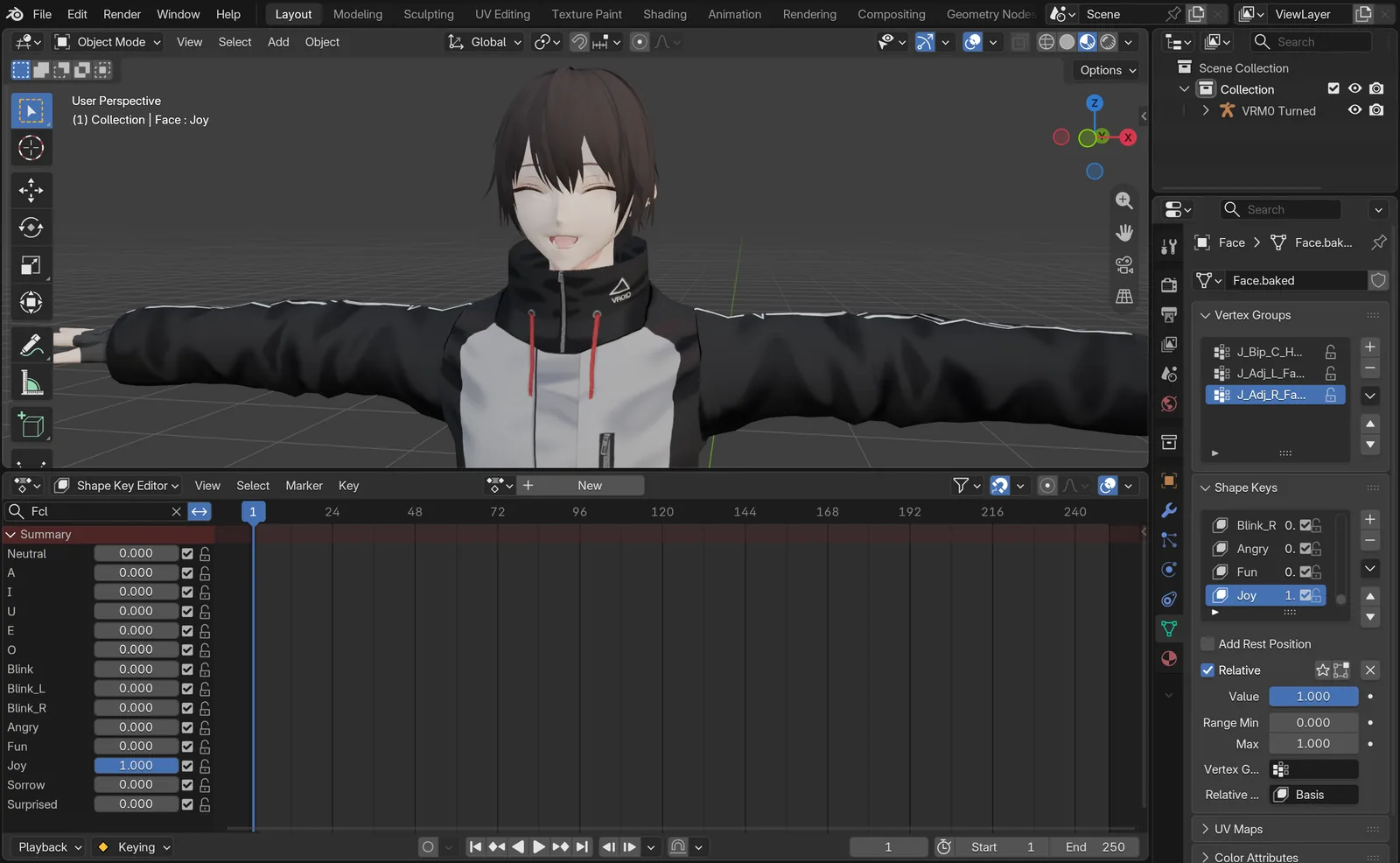
The VRM’s FBX: its 14 expressions as shape keys, Joy at 1
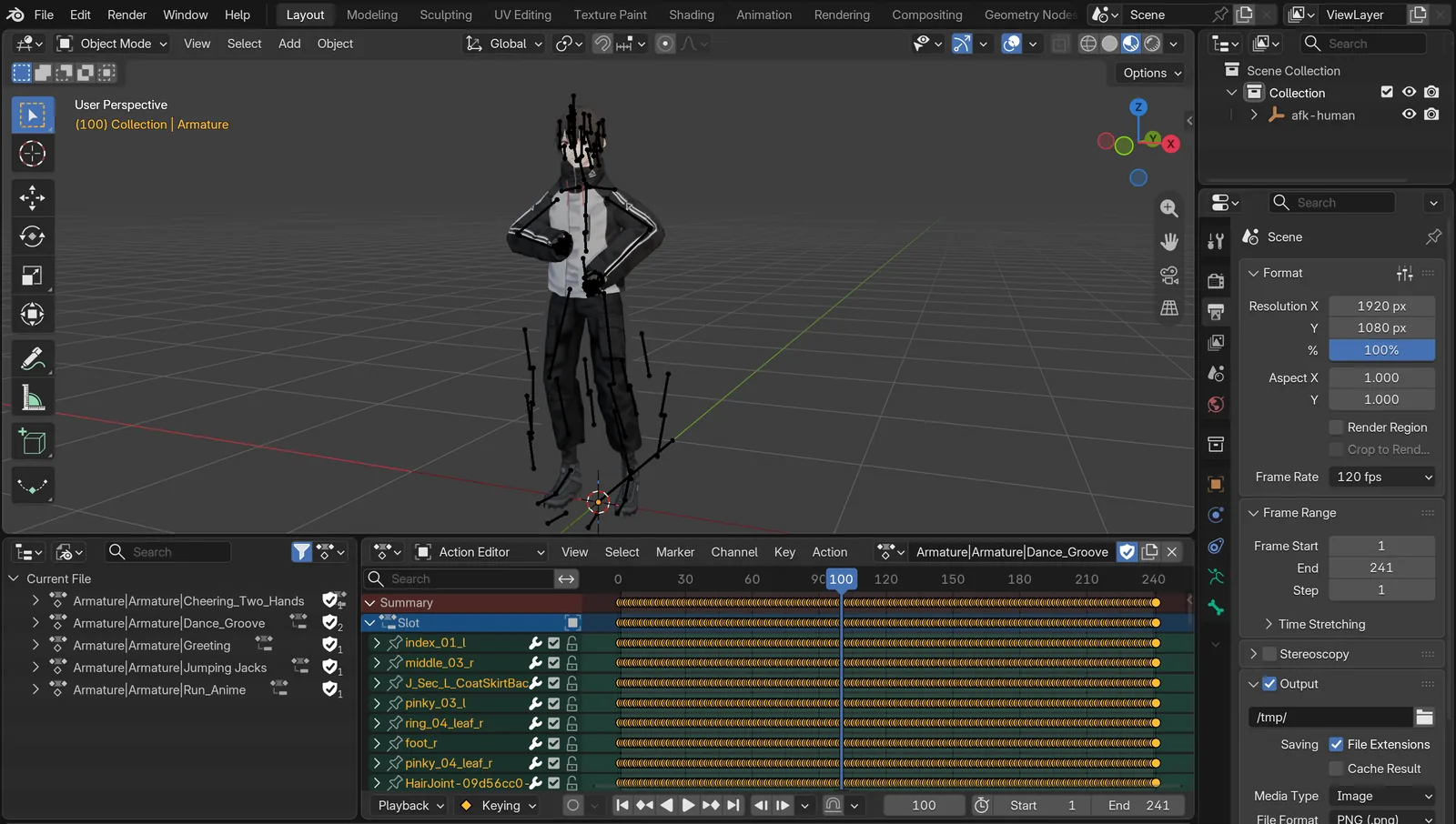
The animated GLB’s FBX: five takes, a key on every frame, at 120 fps
Your models, in any format
Models you rig on afk.ai/rig download in all five formats too: a GLB or FBX with the animations you tick, a USDZ with one, and an OBJ or STL standing still. A model you convert is kept in Your Models, in this browser, so you can download it again in another format later. You can also add any model of your own there with its + button, and download it in any format.
Questions
How do I convert a VRM to FBX?
Drop the VRM on afk.ai/rig/convert, pick FBX and choose Convert to FBX. Its skeleton, skin weights and textures come along, and its expressions become face shapes.
Does converting keep my animations?
Yes. Every keyframe of every animation is kept, in GLB and FBX. A USDZ holds one animation, so it gets the first. OBJ and STL hold a still model.
Will my VRM's expressions work in Unity?
Yes, as blend shapes. Each expression becomes a face shape named after it (Joy, Blink, Angry) on the Skinned Mesh Renderer, ready to drive from a script or an animation.
Does it keep the hair physics?
It bakes it. FBX, GLB and USDZ files can't carry spring bones, so the swing is written into each animation as keyframes, the way a VRM app would play it. In your engine, it plays with no physics to set up.
Can I convert FBX to GLB, or GLB to FBX?
Yes, both ways, and from OBJ, STL, PLY and USDZ too. Collada (.dae) isn't supported.
Can I convert to VRM?
Not yet. VRM export, with face tracking and physics, is coming.
Why is my FBX so big?
An FBX here keeps every frame of every bone, so the motion is exact. Hundreds of animations make hundreds of MB. Pick fewer animations, or use GLB, which is much smaller.
Is it free?
Yes, with a free account: 10 conversions a day. Files can be up to 150 MB.
Rig and animate your model
An AI rigs it in your browser, then hundreds of animations play on it. Download one GLB for any engine.
More guides
Guide
Animation retargeting: add animations to a model that's already rigged
Add animations to a rigged model while keeping its skeleton, skin weights, physics, and existing animations.
How-to
VRM animation: upload a VRM, get it back with animations and its physics
Drop in a VRM, keep its skeleton and spring bones, and download it with the animations you pick. Face tracking is next.
Guide
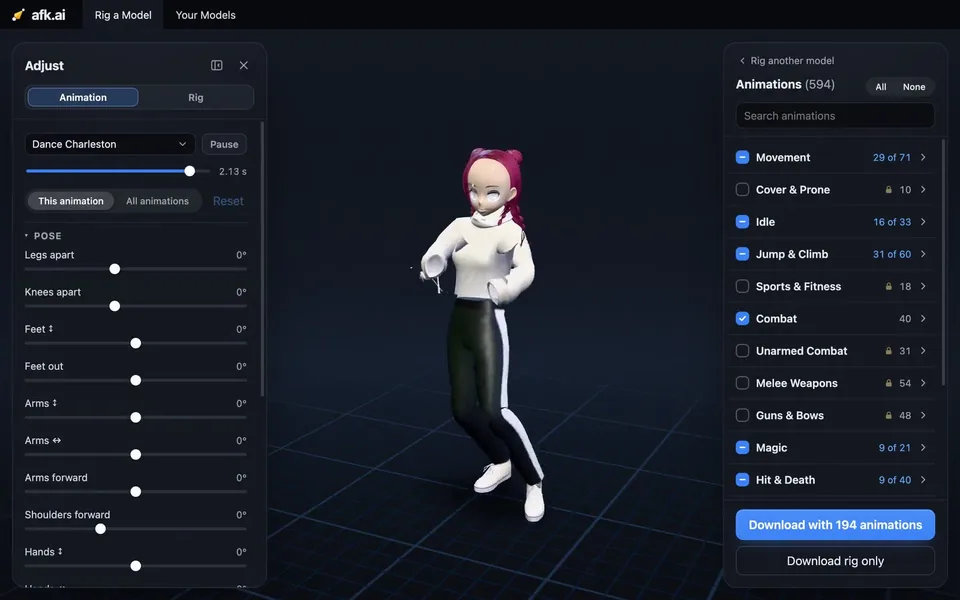
A 3D character animation toolkit in one browser tab: rig, animate, adjust, and export
Drop in a model, and an AI rigs it. Then hundreds of animations made for its skeleton play on it. Adjust them with sliders, and download one file for any engine.