GuidesGuide6 min read
Free mocap and FBX animations: Where to get them, and how to make them fit your character
Ten places to download free motion capture and FBX animations, five free tools that turn a video into mocap, and how to make any of it fit your character.
- Run Anime
- Dance Charleston
- Jumping Jacks
- Sword Combo
There's more free motion capture around than most people think. The hard part is rarely finding an animation. It's getting it to play on your character, because an animation only fits the skeleton it was made for.
The short version:
- Fastest
- Mixamo puts its animations on your own humanoid for you.
- Most free mocap
- Carnegie Mellon's library (about 2,600 recordings) and Bandai Namco's research set (about 3,000 moves).
- For Unreal
- Epic's free Game Animation Sample, with hundreds of mocap animations on the UE5 mannequin.
- Ready-made FBX packs
- Rokoko's free packs, on a Mixamo skeleton with fingers.
- Your own moves
- Record yourself on video and turn it into mocap with Rokoko Vision, Move One or DeepMotion.
Free mocap and FBX libraries
| Source | How many | Files | Sign-up | Best for |
|---|---|---|---|---|
| Mixamo | thousands | FBX, DAE | Adobe ID | Quick clips already on your humanoid |
| CMU Motion Capture Database | 2,605 recordings | ASF/AMC; BVH and FBX conversions online | none | Everyday moves and walking, if you can clean up |
| Rokoko free packs | a 263-clip pack, plus themed packs | FBX, 30 fps, Mixamo skeleton with fingers | Fights, dances, zombies, sports | |
| Game Animation Sample | 500+, plus 400 more in UE 5.7 | Unreal project | Epic account | Unreal Engine games |
| Bandai Namco Research | about 3,000 moves | BVH | none | The same move in different moods |
| ActorCore free motions | up to 10 downloads a day | FBX, BVH | Reallusion | Unity, Unreal and Blender presets |
| SFU Motion Capture | about 44 | BVH, FBX, C3D | none | Dance and martial arts |
| Anderson Rohr's monthly packs | 134 moves by September 2026 | FBX, 60 fps | Gumroad | UE5, Rokoko and iClone skeletons |
| MoCap Online sampler | 20 | Unreal on Fab; FBX and Unity on sign-up | Epic, or email | Polished locomotion |
| Universal Animation Library 2 | 130+, most of them free | FBX, GLB | none | Stylized games (hand-animated, not mocap) |
A note on CMU: the recordings have no finger motion, and the lower-numbered subjects are older and noisier. They're still the biggest free set there is, and community conversions to BVH and FBX save you the ASF/AMC step.
Make your own mocap from a video
You don't need a suit anymore. These turn a phone video of you into an animation, and each has a free tier:
Film in good light, with your whole body in frame and a camera that doesn't move. Short clips come out cleaner than long ones.
| Tool | Free tier | Export |
|---|---|---|
| Rokoko Vision | 30 seconds of video a month | FBX |
| Move One | 30 credits once, about 30 seconds | FBX |
| DeepMotion Animate 3D | up to 60 seconds a month | FBX, BVH, GLB |
| Plask | 15 seconds a day | FBX, GLB, BVH |
| QuickMagic | 50 seconds, topped up monthly | FBX |
Why an FBX animation won't play on your character
An animation is a list of rotations for named bones, recorded from one skeleton in one rest pose. Your character has its own skeleton: different bone names, different proportions, maybe an A-pose instead of a T-pose. Load the animation as it is and nothing moves, or everything twists.
The fix is retargeting: telling your engine which of your bones matches which of the animation's.
- Unity
- Set both the character and the animation's FBX to Humanoid in the Rig tab. Unity builds an avatar for each and maps the bones itself; check them under Configure.
- Unreal Engine 5.4 and later
- Right-click the animations, Retarget Animation Assets, and let Auto Generate Retargeter build the IK Rigs. It knows the UE4 and UE5 mannequins and MetaHumans best.
- Blender
- There's no retargeting built in. Auto-Rig Pro's Remap (paid) is the dependable option; Rokoko's free plugin does it too, but has open bugs on Blender 5.
- Godot 4.3 and later
- Imports FBX directly. In Advanced Import, give the skeleton a BoneMap with the humanoid profile, then share the clips through an AnimationLibrary.
Common FBX import problems
| Problem | Fix |
|---|---|
| 100 times too big or too small | Centimeters vs meters. Unity: Convert Units or Scale Factor. Unreal: Import Uniform Scale. Blender: apply the armature's scale. |
| Lying on its back | Y-up vs Z-up. Blender 5's FBX importer reads the axes from the file; the legacy importer needs Forward -Z, Up Y. |
| Slides across the floor | Root motion. Unity: Bake Into Pose on the root's position. Mixamo: tick In Place. |
| Plays too fast or slow | Frame rate. In Unreal, turn off Use Default Sample Rate. |
| Stays in a T-pose | The bone names don't match (mixamorig: vs mixamorig1:). Rename them, or retarget. |
| Arms at the wrong angle | T-pose vs A-pose. Unity: Enforce T-Pose. Unreal: adjust the retarget pose. Godot: Fix Silhouette. |
| Won't import at all | Old FBX. Open it in Blender and export it again: Blender writes FBX 7.4. |
Or skip retargeting
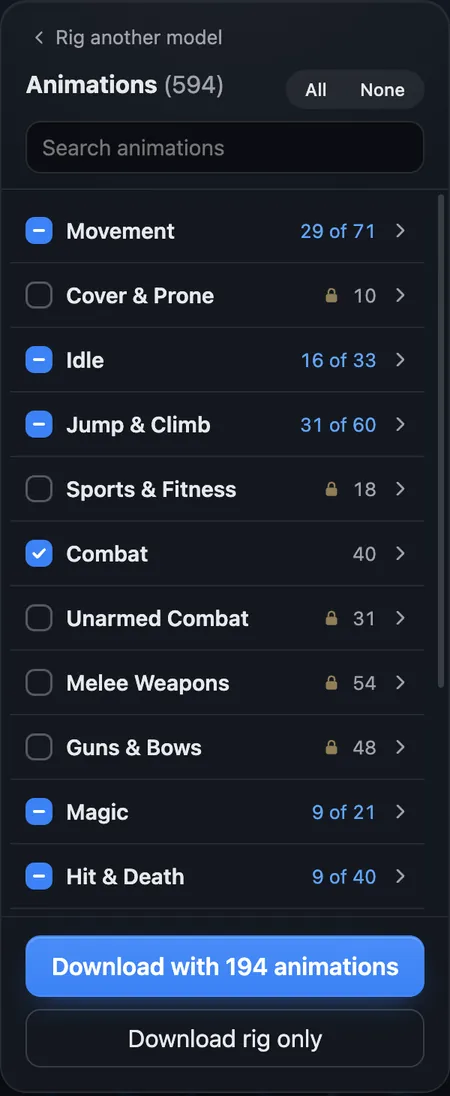
Retargeting exists because the animation and the character come from different places. afk.ai starts the other way round. Its AI fits its own skeleton inside your model, so every animation in its library fits as it is: 594 for a humanoid, and a set for each creature body.
Already rigged? afk.ai can keep your character's own skeleton, weights and physics and retarget its animations onto it instead. You can play all of them on your character in the browser before you download. The download is a GLB with the animations you tick. For FBX, pick FBX when you download, or import the GLB into Blender and export FBX with Add Leaf Bones off and Apply Scalings set to FBX All. We tried it with a 194-animation download in Blender 5.2: all 66 bones and all 194 clips came through.
- Run Anime
- Dance Charleston
- Jumping Jacks
- Sword Combo
Questions
Where can I get free mocap animations?
Mixamo (on your own humanoid, free with an Adobe ID), Carnegie Mellon's motion capture database, Rokoko's free packs, Epic's Game Animation Sample for Unreal, and Bandai Namco's research dataset on GitHub. To make your own, Rokoko Vision, Move One and DeepMotion turn a video into mocap with a free tier.
Are Mixamo animations motion capture?
Mostly, yes. Adobe describes them as captured from professional motion actors.
How do I convert BVH to FBX?
In Blender, File, Import, Motion Capture (.bvh), then File, Export, FBX. To put the motion on a character, retarget it to the character's skeleton first.
Why doesn't my FBX animation play in Unity?
Usually because the character and the animation have different skeletons. Set both to Humanoid in the Rig tab so Unity can map one onto the other, and make sure the clip is in an Animator Controller on the character.
Can I record mocap with my phone?
Yes. Rokoko Vision, Move One, DeepMotion, Plask and QuickMagic turn an ordinary video into an animation, each with a free tier. One person, fully in frame, in good light, works best.
Where can I get free animations for animals?
Most free mocap is human. afk.ai has animations made for four-legged and hoofed animals, birds, dragons, dinosaurs, spiders, snakes, fish and more, and rigs your model to play them. See the animal guide.
Rig and animate your model
An AI rigs it in your browser, then hundreds of animations play on it. Download one GLB for any engine.
More guides
How-to
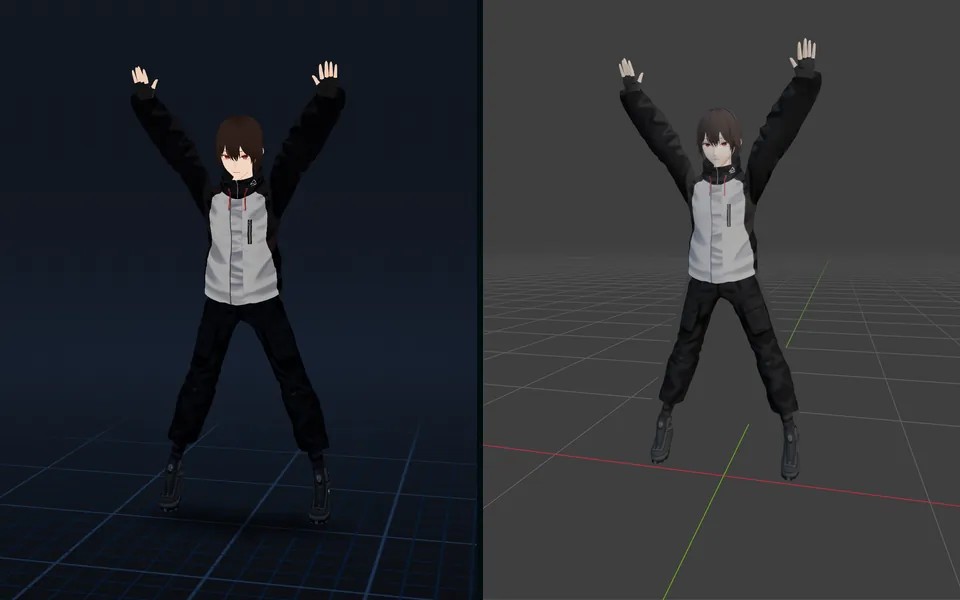
VRM to FBX, GLB to FBX and back: a 3D converter that keeps the animations
Any 3D model to GLB, FBX, USDZ, OBJ or STL in your browser, with its skeleton, skin weights, every keyframe and its face shapes kept.
Guide
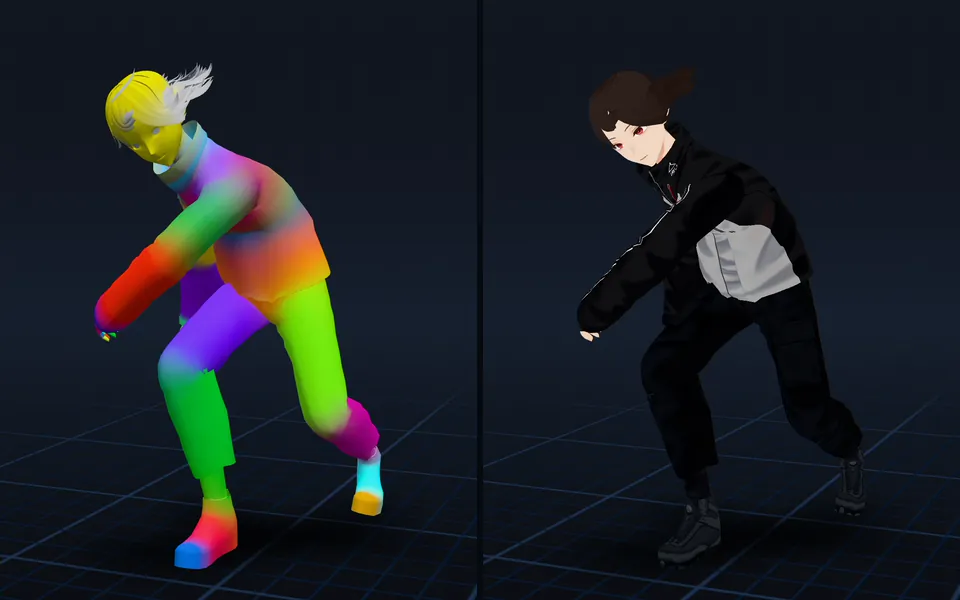
Animation retargeting: add animations to a model that's already rigged
Add animations to a rigged model while keeping its skeleton, skin weights, physics, and existing animations.
How-to
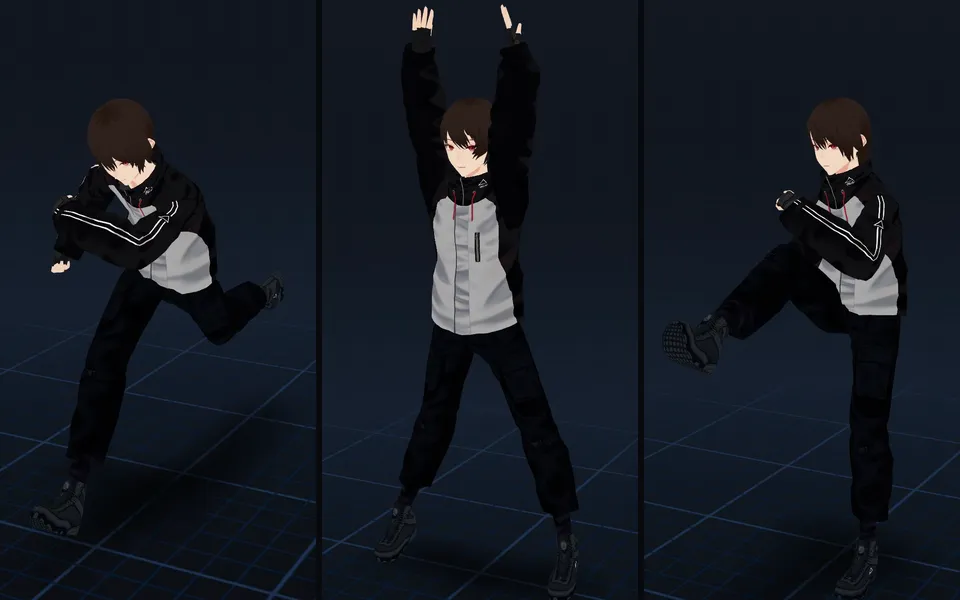
VRM animation: upload a VRM, get it back with animations and its physics
Drop in a VRM, keep its skeleton and spring bones, and download it with the animations you pick. Face tracking is next.